Useful pause points
- The room name changed while you were watching.
- The timer refreshed before you finished checking.
- A prompt covered part of the board.
- The colour tile changed after a screen reload.

Screen reading
A fast game screen can show several things at once. Use this guide to compare the visible room, timer, colour tile, and app prompt before you make any choice.
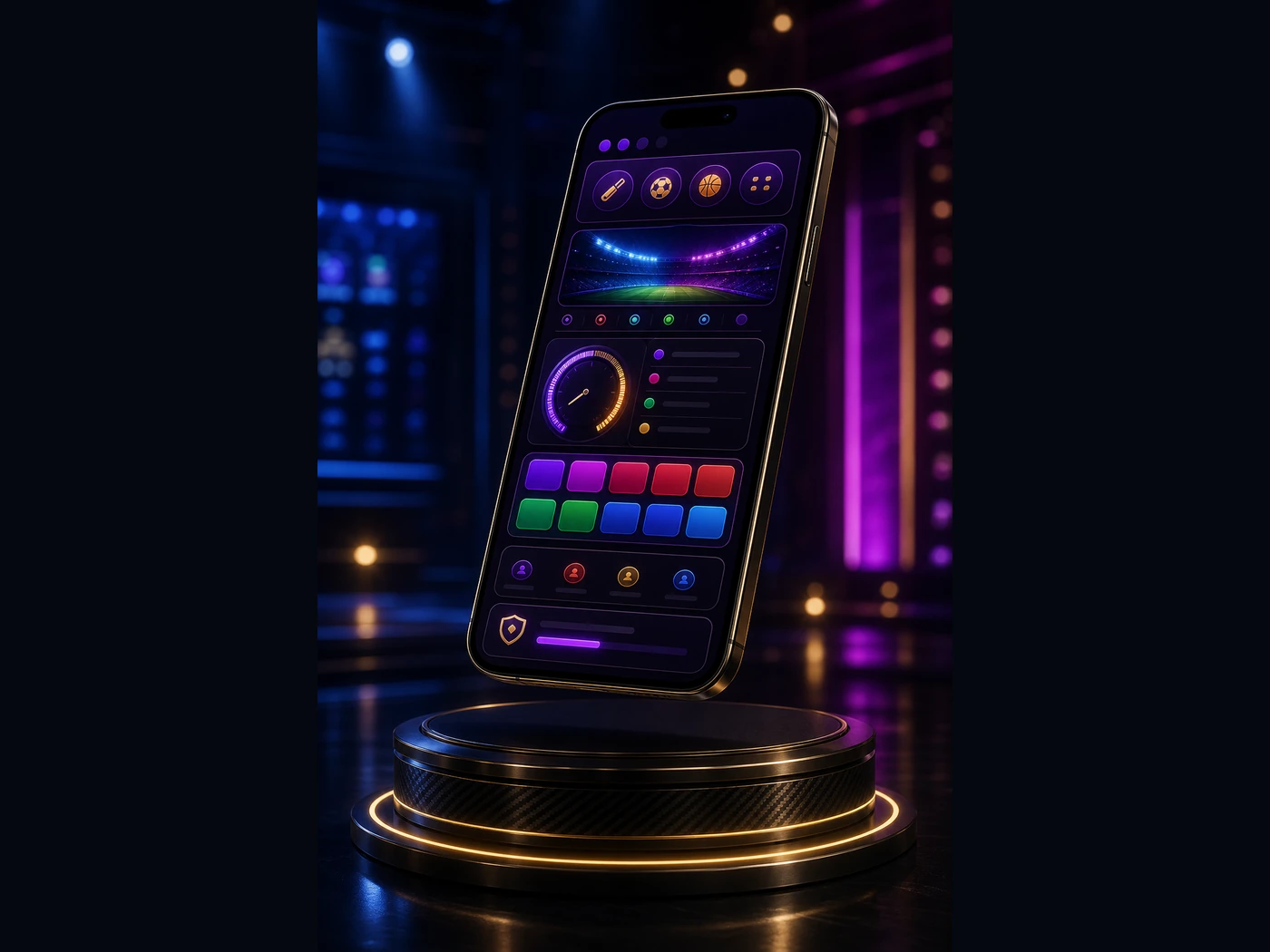
The room label tells you where the current board belongs. Similar labels can look close on a small phone, especially under neon colours. Check the label first, then match it with the visible board state.
A timer can be opening, closing, refreshing, or sitting between rounds. Treat it as screen information. If the timer is too short for a calm check, stop and wait for a clearer moment.
Colour tiles are easy to notice because they are bright. Do not read one tile on its own. Compare it with the round label, timer state, and prompt panel.
Bright colour does not mean certainty. It is only one part of the screen.
55 Club Games does not run paid games, collect payments, or promise outcomes. The notes are meant to support careful reading for adults, not chasing fast decisions.